Changing your user password
How to reset or change your password
Click Home button
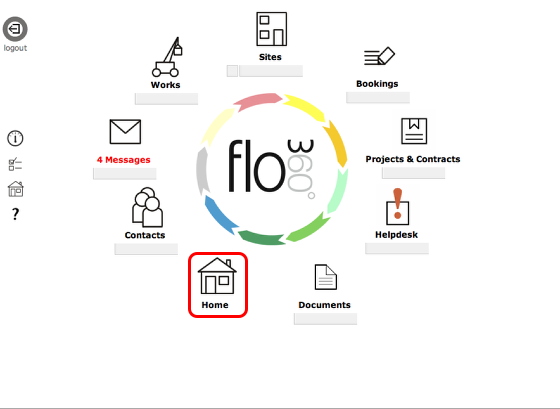
Choose personal home option
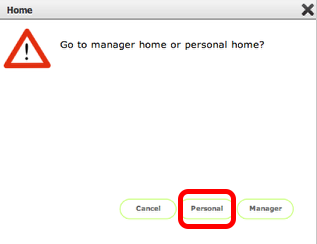
If you are logged in as a manager, client, provider or owner you will have the choice of your personal home or your user role home. Select Personal here. Other user types do not see this dialog.
Personal home card
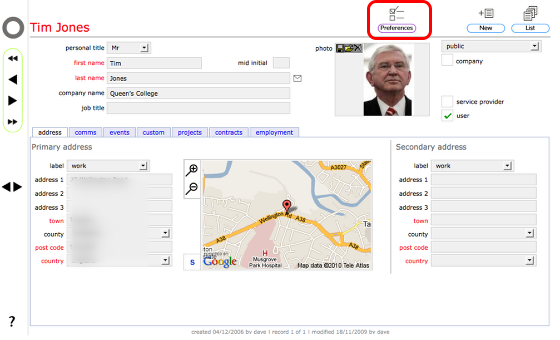
When you arrive at your personal home card, click the preferences button to access your personal preferences.
Personal preferences card
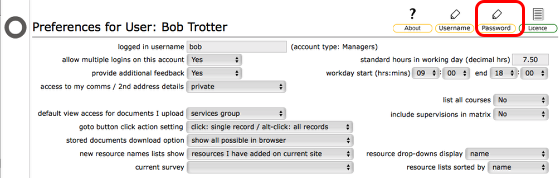
On your personal preferences card, click the Change Password button
Confirm action
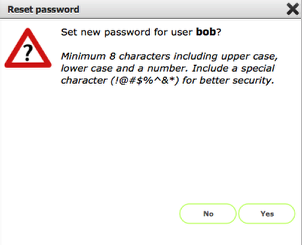
Note the minimum requirements and recommendations for setting more secure passwords.
Click Yes to continue
Enter new password
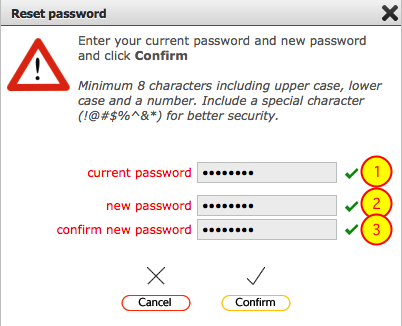
You need to enter your current password, then your new password twice. Finally click the Confirm button to activate the new password.
- A tick will confirm you have correctly entered your current password
- A tick will confirm your new password meets the minimum standard
- A tick confirms the new password matches the new password entered in (2)
A red cross at any stage indicates an error / incorrect entry.
Completed!
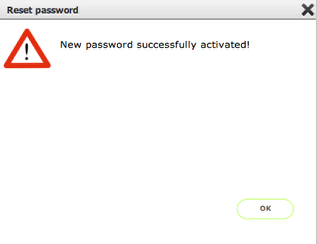
Your new password was accepted and has been activated. Next time you logon you must use this new password.
Error - new password is the same as existing password
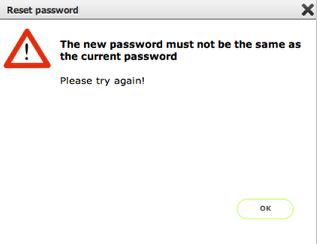
If your new password is the same as the existing password you will see this error message.
Error - your entries do not match
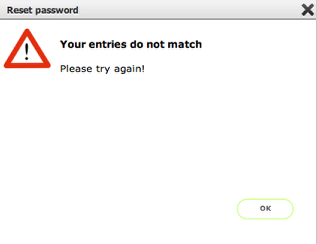
If the new password you entered twice does not match, you will see this error message.