Viewing and printing documents
How to view and print documents stored with Flow360
Go to the doc card

To go to the record card for a particular document, click the Goto button on the appropriate row in the docs list or docs tab list.
The docs card
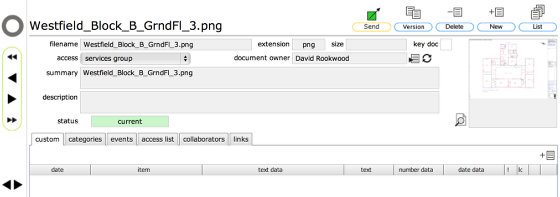
If the document is a supported format (graphic file format or pdf etc) then the thumbnail will be displayed on the right of the card.
Viewing a graphic file or pdf within Flow360

If the thumbnail is visible, then click the View button next to the thumbnail to display the document in a new tab or window.
NOTE: You can also simply click the thumbnail itself!
File displayed in browser window / tab
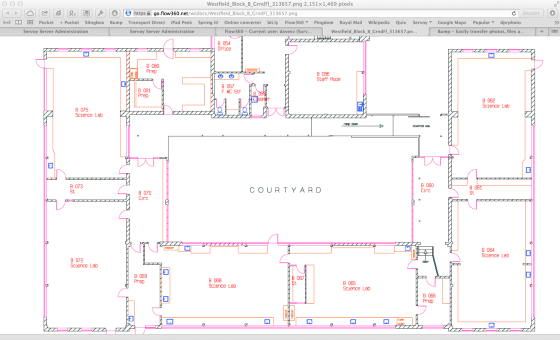
Supported graphic file formats and pdfs will typically display in the browser. You can save, and/or print the file from your browser.
Other file types are downloaded to your browser's downloads folder and can be opened, viewed and printed as normal.
NOTE: your personal preferences for how files are handled by the browser cab override these default settings. (i.e. to always download files rather than opening them in the browser)
Opening or downloading a file directly from the docs list

Rather than going to the docs record itself you can also download or view a document by clicking the View button on the relevant row in the list view.